
Pilot - Amiga File Manager with Zip & LHA
A downloadable tool
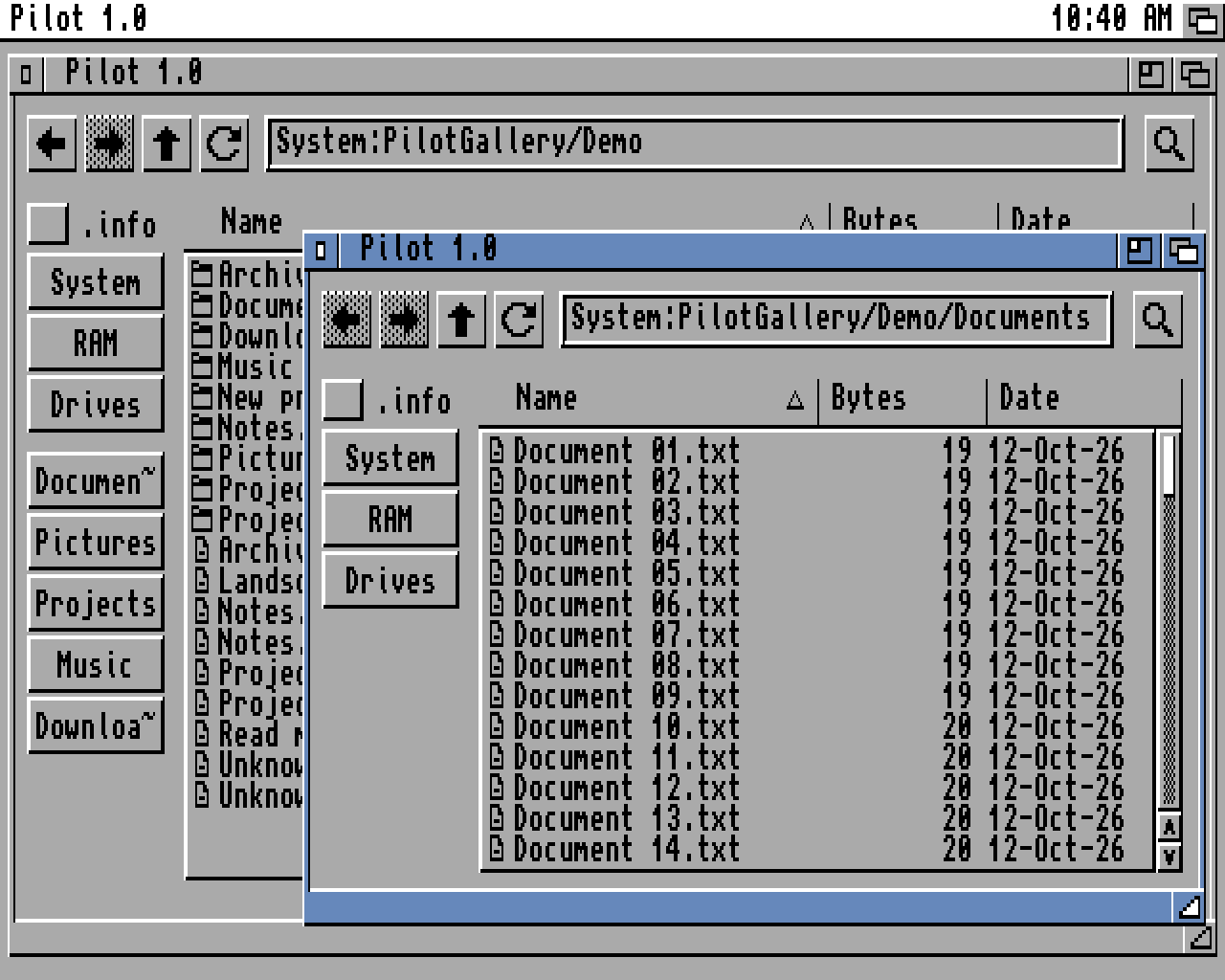
A file manager and system explorer for the Amiga with built-in compression tools, quick file previews, and custom launcher.
Pilot brings together some of the best features from Windows Explorer and Mac's Finder, with the ability browse with navigation icons across multiple windows.
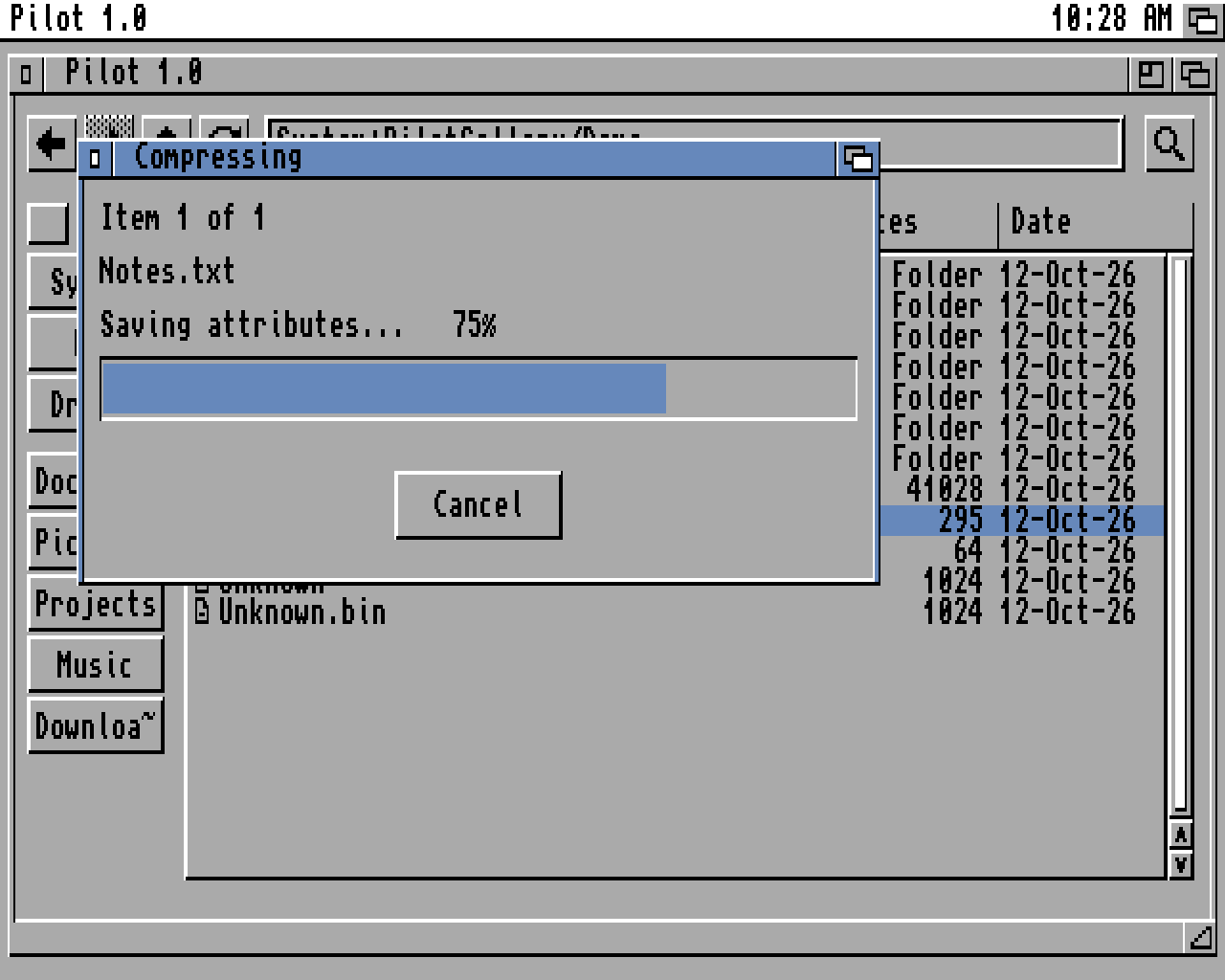
- Compress files and drawers into ZIP archives, and double-click to extract.
- Create and extract LHA archives when LhA is installed.
- Find files by filtering the current drawer, and sort by name, size or date.
- Press Space to preview text and supported images.
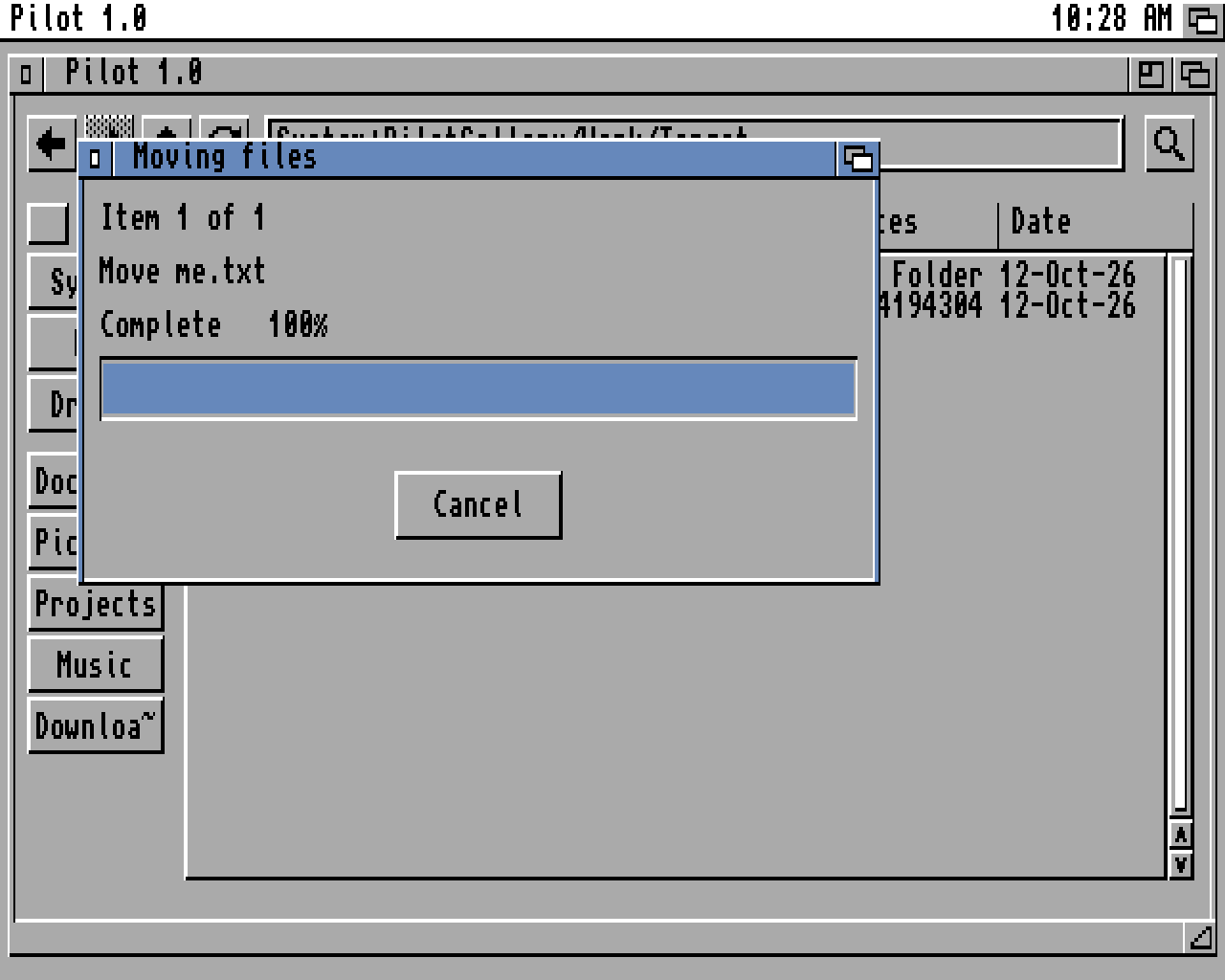
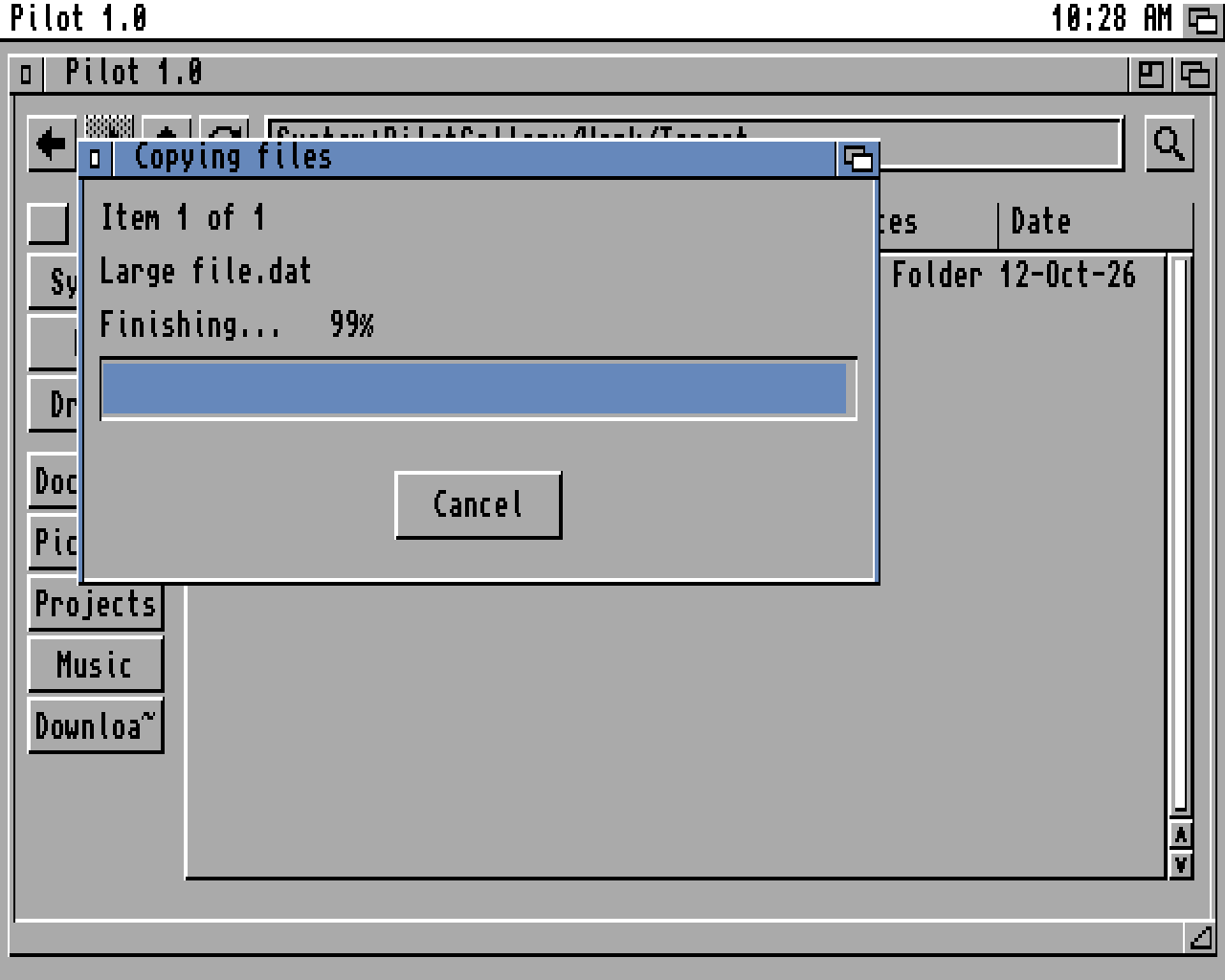
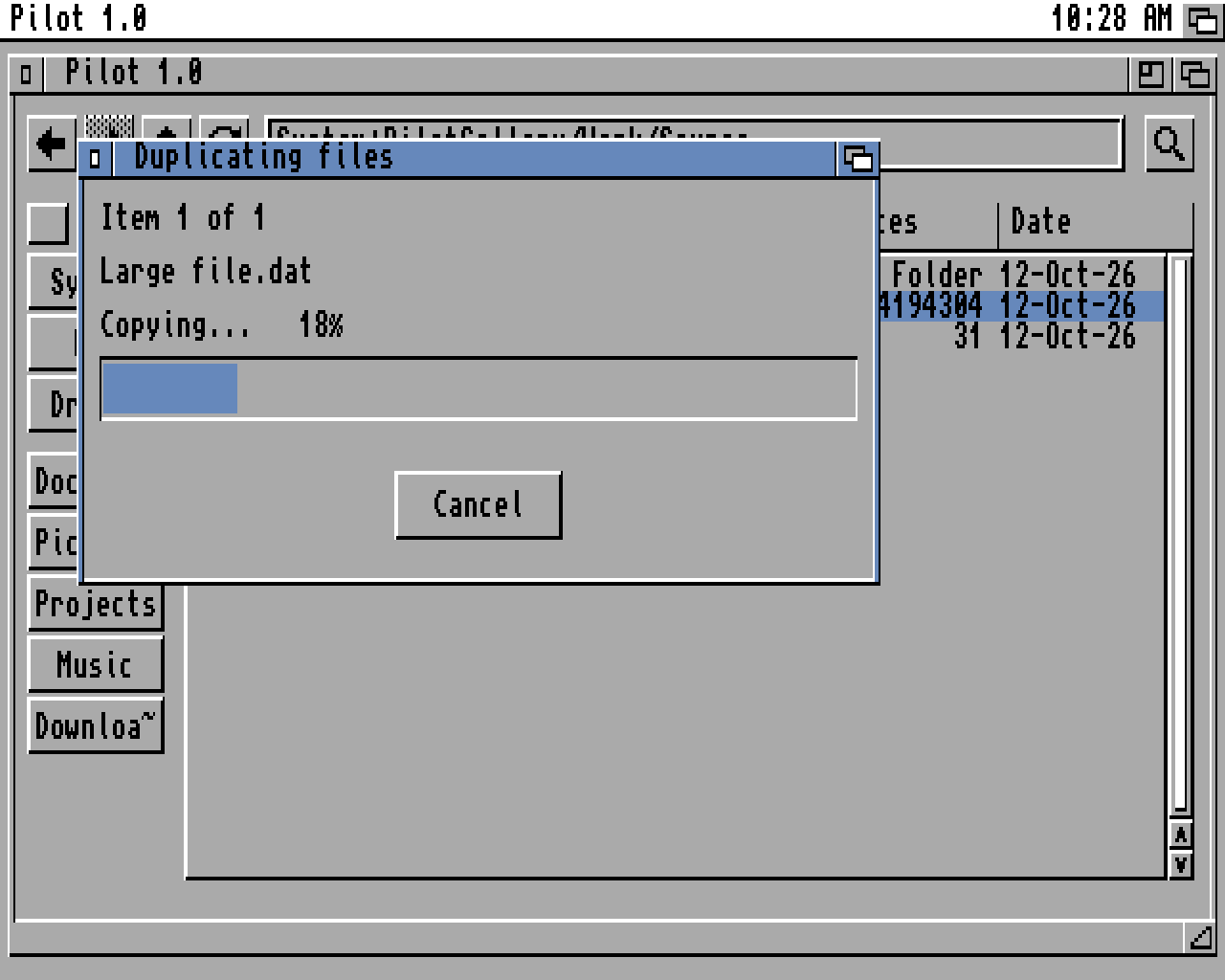
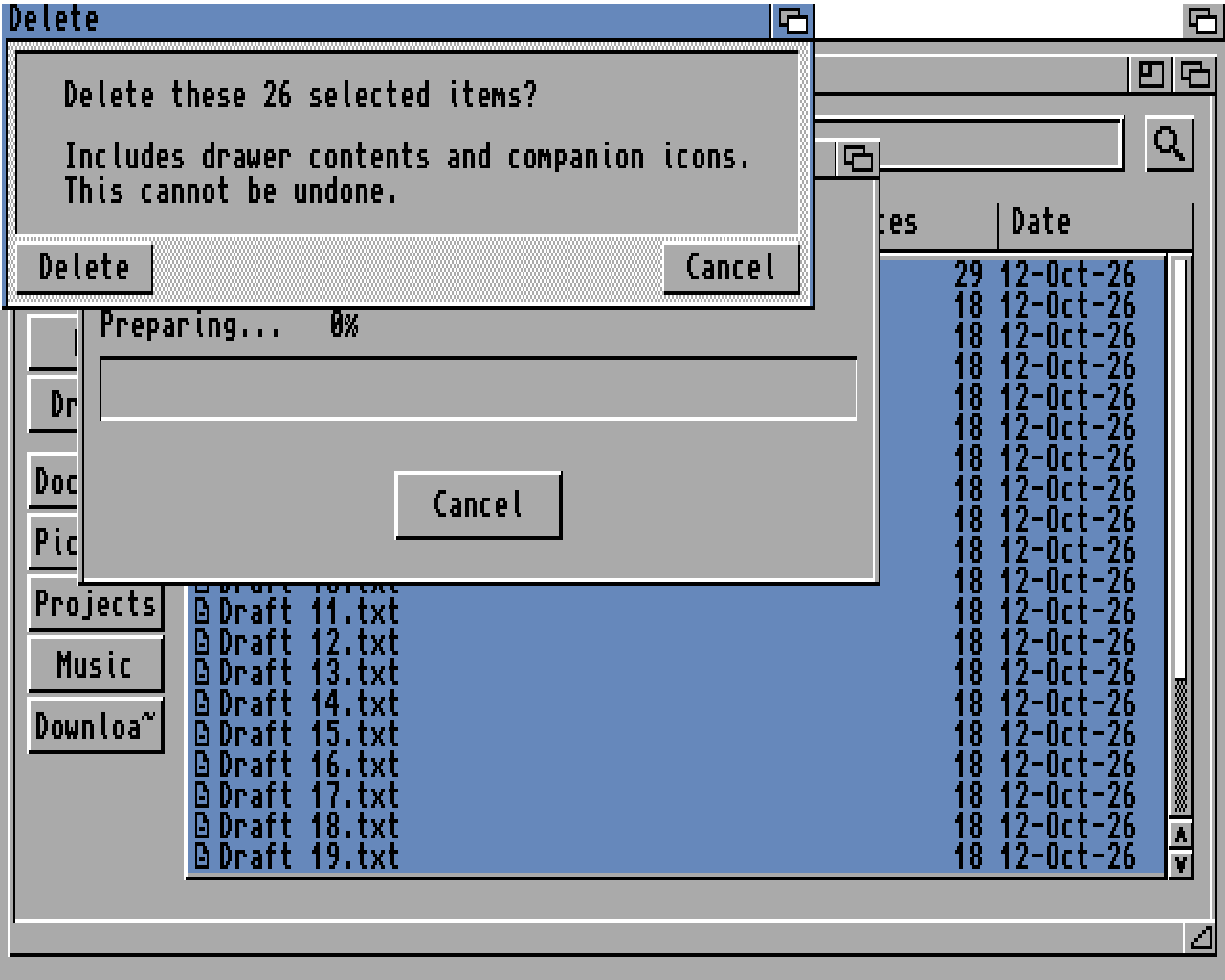
- Copy, move, duplicate, rename and delete, with progress displays, cancellation and confirmation prompts.
- Create drawers and inspect file information.
- Choose which application opens each file type, either once or as a saved preference.
- Keep your preferred window size and position.
Pilot is designed for modern, upgraded Amigas, taking 4 MB of Fast RAM as a practical baseline and bringing a more convenient workflow to everyday file management, with ZIP and LHA compression making it easier to move files between original hardware and emulated setups.
AI Disclosure: Pilot's code was written using generative AI. Native Amiga application programming is beyond my current skills, so AI made it possible for me to build this tool. My contribution was deciding how it should work and look, testing it throughout development, and repeatedly refining it through use. I wanted an easier way to manage my AMOS projects: preview game assets, open files in their applications, and package LHA and ZIP archives for release.
There has been a lot of human involvement and testing, but I want to be clear about how the programming was done. I made Pilot to help with my own workflow, and hopefully other Amiga users will find it useful too.
Even with AI, it has been a significant amount of work to manage the build, costly in terms of tokens used, with plenty of testing and refinement along the way. It has also been a fascinating insight into how AmigaOS works at a system level.
Download
Click download now to get access to the following files:
Comments
Log in with itch.io to leave a comment.
I like the program, but since im mostly move or copy, the way i found is : mark files, copy, new tab and paste. it would be more easy to have 2 tabs next each other (dopus4 style). Left source and right target, then just 1 button to copy or move. Or Is there a way to get 2 folders next each other ?
You can use two windows and copy between them ctrl+c and ctrl+v